
Your Instagram profile is the digital equivalent of a shop window, and right now yours might be the marketing equivalent of a dusty, newspaper-covered pane with a faded “back in five minutes” sign sellotaped to the inside.
Harsh? Possibly.
True? Almost certainly.
The good news is that optimising your Instagram profile is one of the few marketing jobs you can do in under an hour, for free. No ad spend, no algorithm know-how needed, just a handful of sensible tweaks that make it easier for the right people to find you and harder for them to scroll on by.
Let’s get into it.
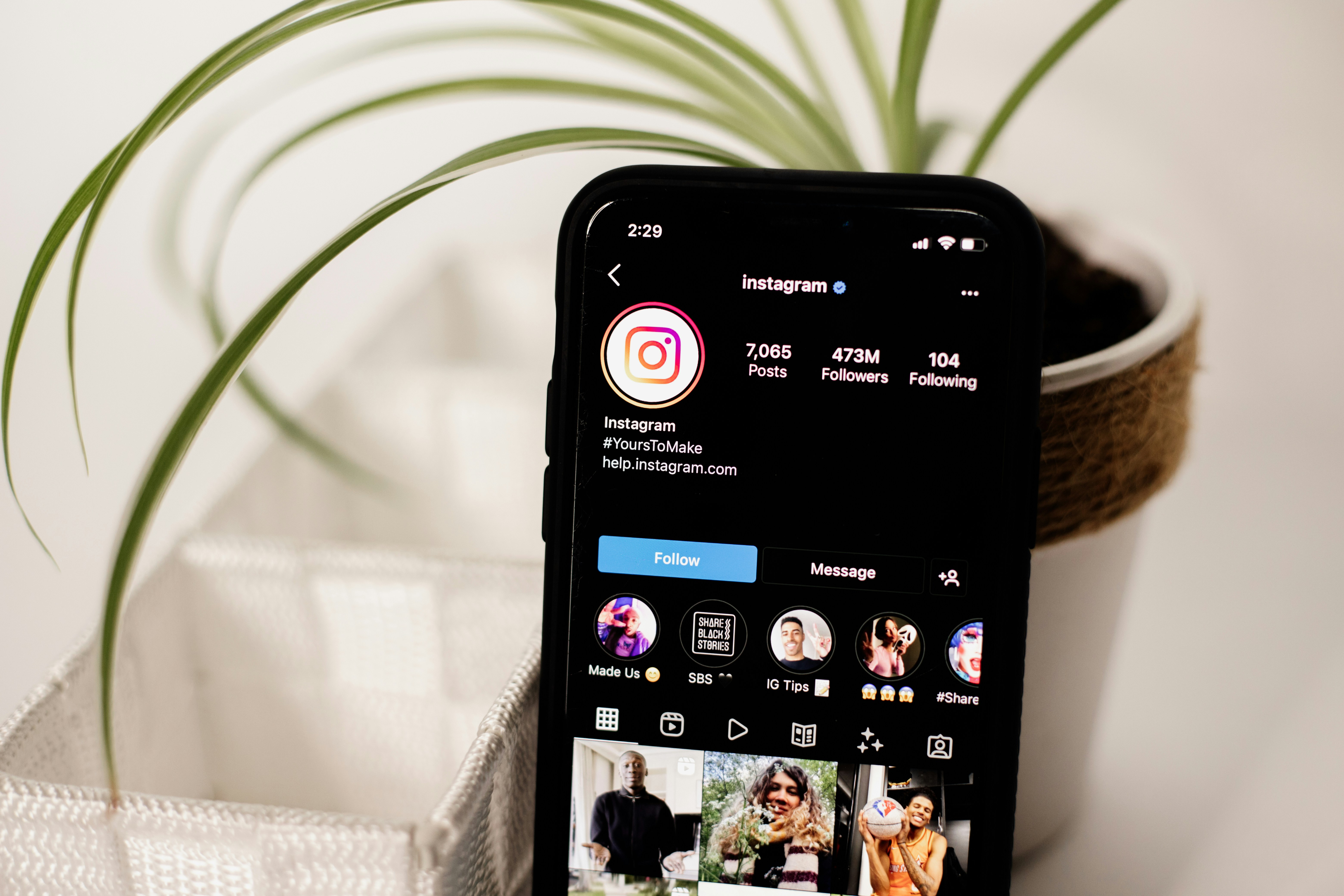
First Things First: Switch to a Professional Account
Before you touch a single word of your bio, do this. If you’re still running a personal account, you’re flying blind, because you’re getting no data whatsoever on who’s actually looking at your stuff.
Switching is free and takes about thirty seconds:
- Go to your profile and tap the menu (the three lines, top right).
- Tap Settings and privacy, then Account type and tools.
- Tap Switch to professional account and follow the prompts.
Once you’re switched over, you’ll unlock Insights, which means you’ll see actual numbers on your reach, your impressions, and the demographics of your audience. Who they are, where they live, when they’re online.
One important fork in the road, though. When you switch, Instagram asks whether you want a Business account or a Creator (digital creator) account. Choose carefully:
- Business accounts cannot use the trending music library on Reels, because of music licensing restrictions. If you post a Reel with a popular track, you’ll find half the catalogue greyed out and unavailable. It’s annoying.
- Creator accounts can use that music. So unless you have a specific reason to be a Business account (i.e. selling in the app), set yourself up as a digital creator and keep your access to the good audio.
You can switch between the two later if you change your mind, so this isn’t permanent. But save yourself the faff and pick Creator from the off.
Your Handle (the @username)
Your handle is your address. Keep it clean, keep it consistent, and keep it the same across every platform you’re on so people aren’t playing detective trying to find you.
Avoid the cardinal sins: random numbers, underscores and hyphens stacked up like a fence, and “official” tacked on the end as though you’re a knock-off football club. If your ideal handle is taken, get creative with your brand name rather than mangling it into something nobody can spell, let alone remember.
Your Name Field (the Most Important Bit)
Here’s the part most people get spectacularly wrong. The Name field, the bold bit at the top of your profile, is not your handle, and it’s not just for your actual name.
This field is searchable. Instagram uses it to decide whether to surface your profile when someone types a query into the search bar. So if you’re a wedding photographer in Lincoln, your Name field should not say “Sarah.” It should say something like “Sarah | Lincoln Wedding Photographer.”
You’ve got 30 characters. Use them on your name plus what you do plus where you do it. This is the single highest-leverage SEO change you can make to your profile, and it costs you nothing but a bit of ego.
SEO Keywords: Instagram Is a Search Engine Now
Instagram is searchable, and just like a search engine indexes a webpage, it indexes the words in your profile. That means your bio and Name field should contain the actual phrases your ideal customer would type when looking for someone like you.
Don’t keyword-stuff it into gibberish that reads like a ransom note and helps nobody. But do think about the language your audience uses. “Baking classes Yorkshire” beats “artisan baking experiences” if the former is what people actually search. Write for humans first, but make sure those humans can find you by incorporating SEO (search engine optimisation) keywords.
Your Bio: 150 Characters of Prime Real Estate
Your bio is tiny and your job is enormous: say who you help, how you help them, and what you want them to do next. No room for waffle.
A reliable structure:
- Line 1: Who you are / what you do (with a keyword baked in).
- Line 2: Your proof or your personality, a result, a credential, or a bit of wit that shows your brand.
- Line 3: A clear call to action pointing at your link.
Another go-to structure is. “I help X do Y so that they can Z”.
Emojis can act as visual bullet points to break up the text, but use them sparingly.
Your Links: Send People Somewhere Useful
Instagram now lets you add up to five links in your bio, so there’s no excuse for the old “link in bio” bottleneck. Prioritise the destinations that actually matter to your business, your booking page, your shop, your latest offer, rather than dumping everything you’ve ever made online. You can add the URL and also add a label for it to help people select the right one.
If you’ve genuinely got more than five places you need to send people, a link-in-bio tool (Linktree, Stan, or similar) tidies it all behind one URL. But if you can get away with two or three direct links, do, because every extra click is a chance for someone to wander off.
Highlight Reels: Your Profile’s Nav Bar
Highlights are the little circles that sit under your bio, and they’re brilliant because Stories vanish after 24 hours but Highlights stick around forever. They turn your fleeting content into a permanent, browsable menu of everything a new visitor needs to know.
A solid starter set of Highlights:
- About (who you are, the quick version)
- Products / Services
- Reviews / Testimonials
- Process (how you work)
- FAQs
- News
To add to a Highlight, post a Story, then tap the Highlight icon underneath it and either create a new Highlight or add it to an existing one. You can also pull from your archived Stories by editing any Highlight and selecting older content.
For the covers, consistency is everything, matching, on-brand covers make your profile look like someone competent is in charge. I’ve made a free Canva template to help you do exactly that. Enjoy: https://canva.link/pmha19hurs1ft4c.
I’m keeping this section deliberately brief because Highlights deserve a whole blog of their own, which is coming soon. For now, get the basics in place.
Now Go and Tidy Your Shop Window
None of this is complicated. It’s just rarely done properly, which is precisely why doing it properly puts you ahead of most of your competition. Switch to a creator account, fix your name field, write a bio that earns its 150 characters, sort your links, and build out your highlights.

Want more of this?
Tap here to join my mailing list. I’ll send you one email a month filled with free marketing tips and updates – no catch and no sales pitches.
Or, if you’d rather learn the ins and outs of scaling on Instagram properly, come to one of my social media workshops. I grew an account from zero to 100k followers in six months posting just twice a month, and I’ll show you exactly how it’s done.
All the info is here.